
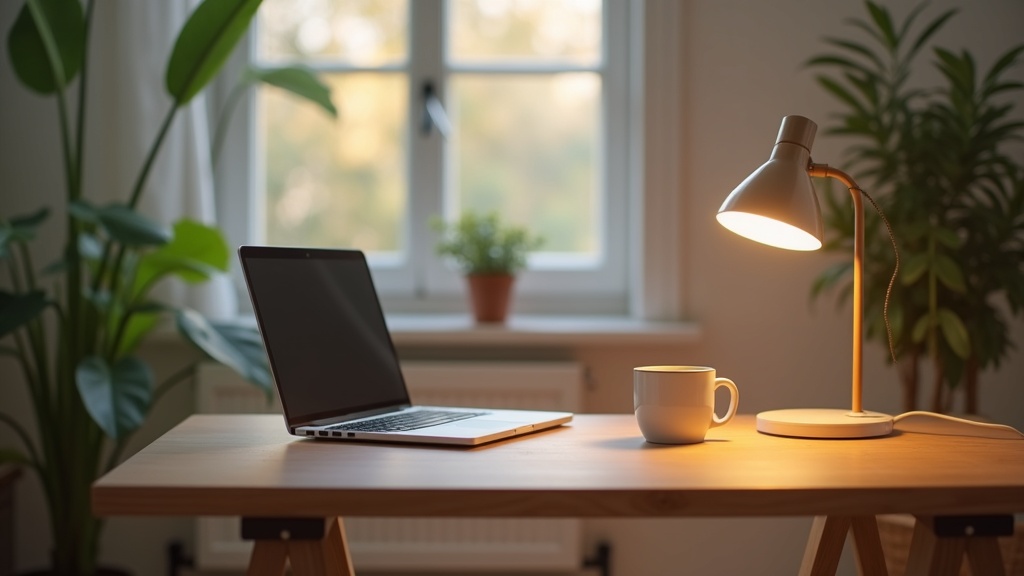
Most people fix the chair, upgrade the monitor, buy a better keyboard. The lighting stays whatever it was. And yet light is the one thing shaping how you feel in that room from the first minute of the day to the last.
Get it right and you stop noticing it. The space just feels easier to be in. Thinking becomes clearer, eyes tire less, and the hours pass without that heavy, wrung-out feeling. This is what good lighting for a home office actually does.
Key points at a glance
- Three layers of light (ambient, task, accent) work together so no single source does all the work.
- Color temperature between 4000K and 5000K supports focus during deep work hours.
- Light should come from the side of your monitor, never directly behind or in front of it.
- Windowless offices need layered artificial light that mimics the rhythm of daylight.
- For video calls, a soft light source at eye level placed in front of you makes an immediate difference.
- Smart lighting adds convenience but a well-chosen fixed fixture will always outperform a poorly placed smart one.
What good office lighting gives you
Why light is the first thing to fix in a home office
Light affects alertness, mood, and how quickly your eyes fatigue. It is not decoration. It is infrastructure, the same way your internet connection or your desk height is infrastructure.
Poor lighting creates friction. Squinting, adjusting your screen, moving your chair to escape a glare. Every small adjustment chips away at concentration. The fix is simpler than most people expect.
The three layers every home office needs
Good lighting is rarely about one fixture. It comes from combining three distinct layers, each doing a different job.
Ambient lighting
Ambient light fills the room. It is the base layer. A ceiling fixture, a floor lamp in the corner, or light bounced off pale walls. The goal is even, shadowless brightness with no harsh contrasts.
Task lighting
Task lighting is the focused source you aim at your work. A desk lamp angled onto your keyboard and documents. This is the one most people already have, but often placed wrong.
Accent lighting
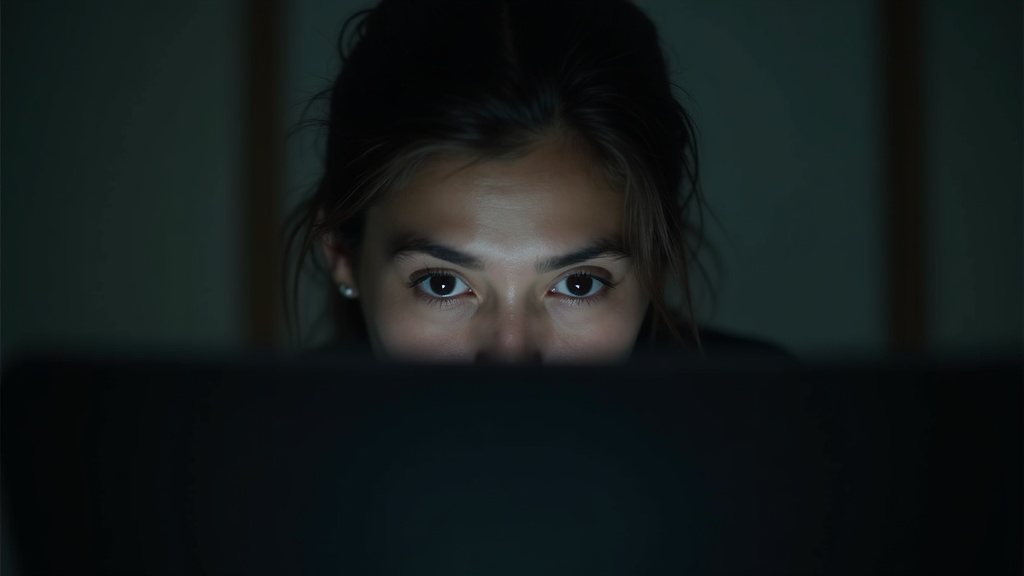
Accent light reduces the sense of visual monotony. A backlit shelf, a small lamp in the corner of the room, LED strips behind your monitor. It is not decorative indulgence. It relieves the contrast between your bright screen and a dark surrounding, which is one of the main causes of headaches during evening work sessions.
Did you know?
Research from Cornell University found that poor office lighting contributes to eye strain in up to 75% of computer workers. Adjusting light levels and position, not screen brightness, was the most effective fix.
Color temperature explained: what 2700K to 5000K actually feels like
Color temperature is measured in Kelvin. The lower the number, the warmer and more amber the light. The higher the number, the cooler and bluer it becomes.
| Kelvin Range | Feeling | Best for |
|---|---|---|
| 2700K | Warm amber, like an incandescent bulb | Evening wind-down, reading nooks |
| 3000K | Soft white, comfortable and inviting | Creative work, calls, ambient fill |
| 4000K | Neutral white, clean and clear | Focused desk work, task lamps |
| 5000K | Daylight, crisp and stimulating | Deep focus, detail-heavy tasks |
| 6500K | Cool blue-white, almost clinical | Avoid for long sessions, too harsh |
The color temperature for focus that works for most people sits between 4000K and 5000K during peak hours. Shift warmer in the evening to let your nervous system know the day is ending.
The best light position for computer work (and how to avoid glare)
Position matters more than brightness. A very bright lamp placed badly causes more strain than a dimmer one placed well.
- Side placement wins. Your desk lamp should sit to the left of your monitor if you are right-handed, right if you are left-handed. It lights the work surface without hitting the screen.
- Never behind the screen. A window or lamp directly behind your monitor creates a halo effect that forces your pupils to constantly readjust.
- Never directly in front of you. Light shining straight at you will reflect off your glasses or your screen. Both are exhausting.
- Angle the shade downward. Exposed bulbs at eye level create glare. The light source should illuminate surfaces, not your face.
How to light a home office with no windows
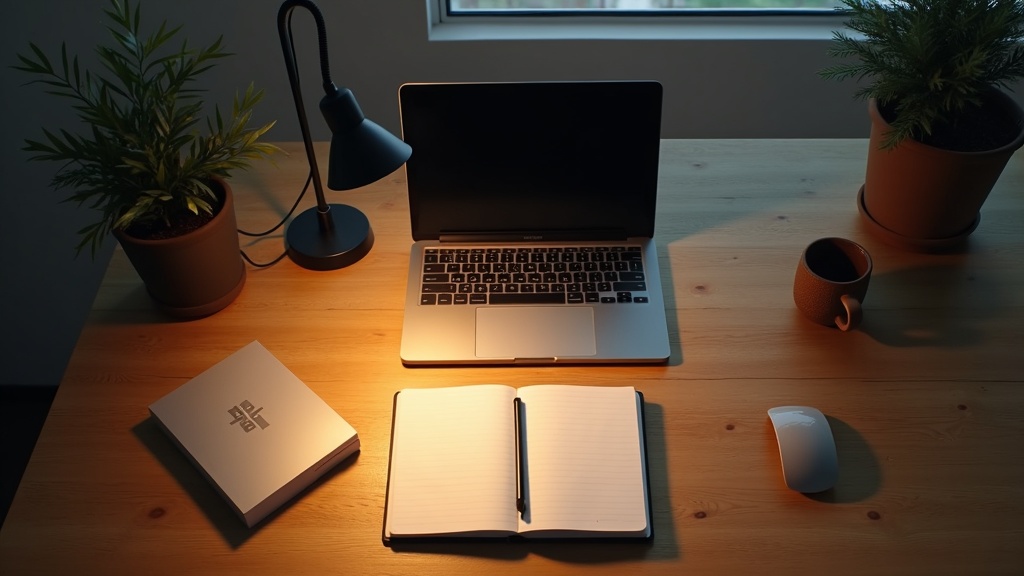
A windowless room does not have to feel like a bunker. The goal is to build a rhythm of light that replaces what a window would naturally provide across the day.
- Start with a daylight-spectrum bulb (4000K to 5000K) in your overhead fixture for morning hours.
- Add a bias light (LED strip behind your monitor) to reduce the sense of a flat, dark wall behind the screen.
- Use a floor lamp with a warm bulb (3000K) switched on in the afternoon to simulate the shift toward evening light.
- Paint the walls a light matte tone. Cream, pale stone, soft white. Dark walls absorb light; lighter walls amplify it gently.
Home office lighting with no windows rewards a layered approach more than any other setup. One overhead light trying to do everything will always feel institutional.
Did you know?
Exposure to blue-enriched white light (around 5000K) in the morning has been shown to increase alertness, positive mood, and work performance compared to standard warm white office lighting, according to a study published in the Journal of Environmental Psychology.
The 5-7 rule and other simple principles worth knowing
The 5-7 rule is simple: your overall room brightness (ambient) should be roughly five times lower than your task light. The ratio keeps the room from feeling flat while preventing harsh contrasts.
A few other principles that hold up in practice:
- Dimmer switches change everything. A fixed brightness is inflexible. The ability to reduce light in the afternoon costs very little and pays back daily.
- More sources, lower wattage each. Three lamps at 40% is calmer and more even than one lamp at full power.
- Match your screen brightness to the room. Your monitor should not be the brightest thing in the room by a wide margin. Reduce the gap and eye fatigue drops.
Lighting for video calls: look good on camera without trying hard
Most home office lighting for video conferencing gets one thing wrong. The light source is behind the person, not in front. The camera sees a silhouette.
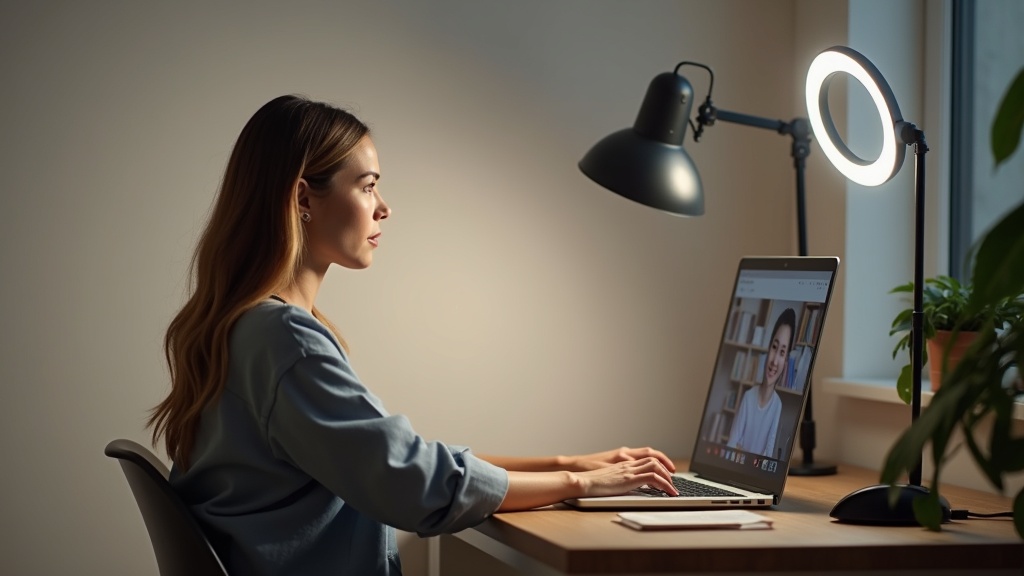
The fix is straightforward. Place a soft, diffused light source directly in front of you, at roughly eye level. A ring light works. So does a desk lamp with a frosted shade pointed at your face from the other side of the desk. The quality of the light matters more than the source. Hard, direct light creates unflattering shadows. Diffused light, bounced or filtered, is what makes a face look clear and natural on screen.
Color temperature for calls: 3000K to 4000K is most flattering. It is close to warm studio lighting without the orange cast of a very low Kelvin source.
Smart lighting versus simple fixtures: which setup fits your day
Smart bulbs and systems like Philips Hue or LIFX let you automate color temperature shifts across the day. They are genuinely useful if your schedule is consistent and you will actually use the scheduling feature.
But a good fixed fixture with a dimmer and a 4000K bulb will outperform a smart setup that is badly positioned. Placement first. Smart features second.
- Smart lighting suits you if: you work irregular hours, want automation, or need to shift quickly from focus mode to video call mode.
- Simple fixtures suit you if: your routine is stable, you prefer fewer devices to manage, and you would rather spend the budget on better quality bulbs and shades.
A quiet room, a clear head: making it work in practice
Start with the layer you are missing. Most home offices already have an overhead light. The gap is usually task lighting or the complete absence of accent light.
A single desk lamp with the right bulb, positioned to the side of your monitor, is the highest-return change you can make today. Under thirty minutes. Immediate difference.
Then work outward. Add a floor lamp if the room feels flat. Consider bias lighting behind your screen if evenings cause headaches. Introduce a dimmer if your ceiling fixture is fixed at full brightness all day.
Lagom applies here. Not a lighting showroom. Not a dark cave. Just enough light, in the right places, at the right temperature. A room that helps you think without drawing attention to itself.


