
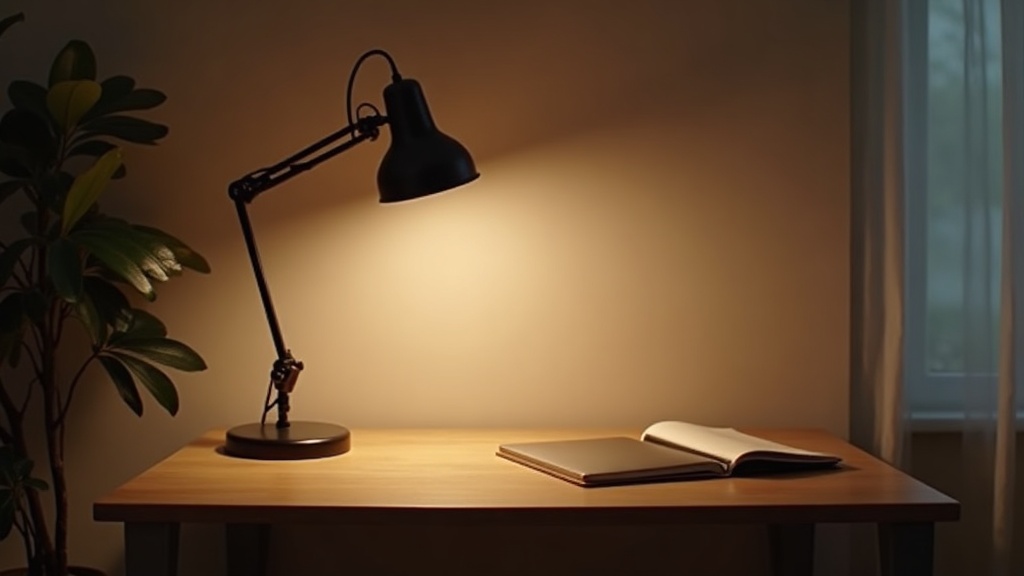
Most home offices were never designed to be offices. They are bedrooms, spare rooms, kitchen corners pressed into service. The ceiling fixture that came with the room was meant for something else entirely, and relying on it is one of the quietest sources of daily discomfort at your desk.
Task lighting for a home office without overhead lights is not a compromise. It is, in most cases, the better solution. Light placed deliberately, at the right height and angle, shapes how a room feels and how long you can work in it without strain.
Key points at a glance
- Overhead lights are rarely ideal for focused desk work. Layered lighting works better.
- A quality desk lamp with adjustable colour temperature is the single most impactful purchase.
- A floor lamp can serve as a primary light source when positioned behind or beside the desk.
- Indirect and accent light reduce screen glare and protect your eyes during long sessions.
- For video calls, front-facing soft light at face height matters more than room brightness.
- Colour temperature between 2700K and 4000K covers most home office needs across the day.
What good task lighting actually gives you
Why overhead lighting is not actually the standard you need
A ceiling light sits above you, casting downward shadows across your face and hands. For a kitchen or hallway, that works fine. For a desk, it creates contrast your eyes constantly fight to resolve.
Overhead glare on a monitor screen is one of the leading causes of digital eye strain. The light source reflects off the screen, competing with the image you are trying to read. Most people adjust their brightness upward to compensate, which makes the problem worse.
Working without a ceiling fixture is not a limitation. It is an invitation to be more precise about where light actually needs to go.
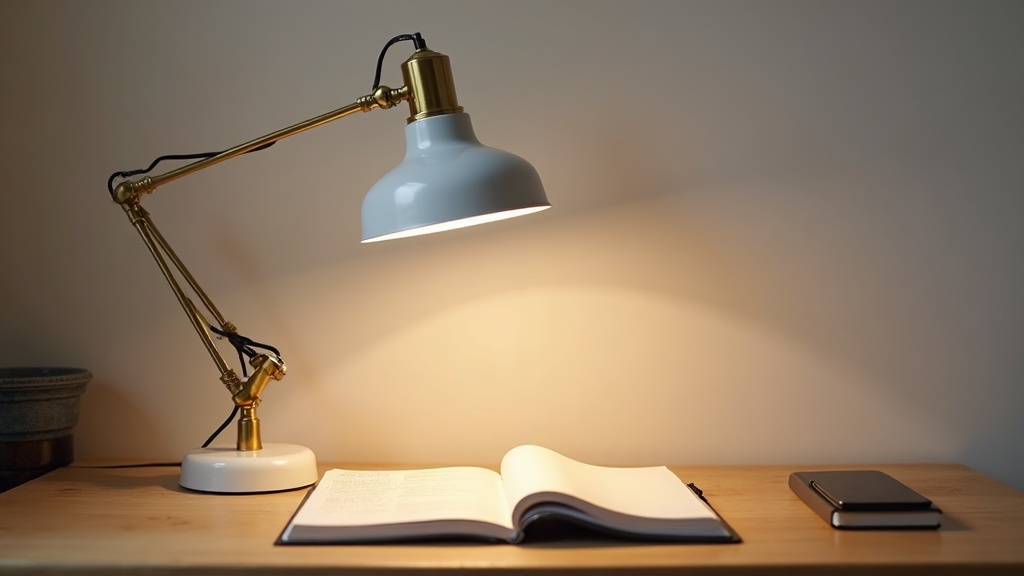
The layered light approach: task, ambient, and accent working together
Good home office lighting has three components. Each one does a different job.
- Task light: the desk lamp. Bright, directional, adjustable. It handles the work surface.
- Ambient light: the overall fill. A floor lamp, a wall sconce, or a table lamp in the corner. It lifts the background so the contrast between your screen and the room is not harsh.
- Accent light: optional but useful. A strip of bias lighting behind the monitor, a small lamp on a shelf. It softens the room without adding glare.
You do not need all three to be elaborate. Lagom applies here: not too much, not too little. A desk lamp and one ambient source is often all it takes.
Choosing the right desk lamp: what to look for beyond brightness
Brightness matters, but it is not the first thing to check. The best desk lamp for a home office is one you can adjust without thinking about it.
The specifications worth caring about
- CRI (Colour Rendering Index) of 90 or above. This tells you how accurately the lamp shows colour. Lower CRI makes everything look slightly off, which tires your eyes without you knowing why.
- Dimmer and colour temperature control. The ability to shift between warm and cool light across the day is more valuable than any single fixed setting.
- Adjustable arm and head. You need to redirect the beam without repositioning the whole lamp. An articulated arm is worth the extra cost.
- Flicker-free LED. Most quality LEDs qualify, but cheap models flicker at a rate invisible to the eye yet detected by the brain, causing fatigue within hours.
Did you know?
Research from the American Optometric Association found that up to 65% of people who work at computers experience symptoms of digital eye strain, including headaches, blurred vision, and dry eyes. Proper task lighting that reduces screen contrast is one of the most effective countermeasures.
Floor lamps as a primary light source: when and how they work
A floor lamp for a home office earns its place when there is no ceiling light at all or when the ceiling fixture is in the wrong position entirely.
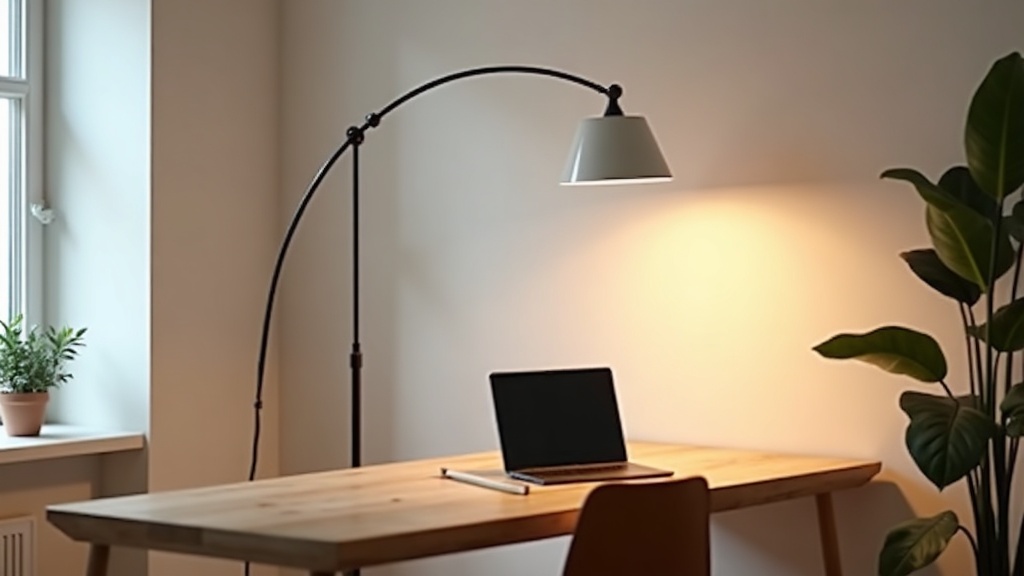
The key is placement. A floor lamp positioned behind and slightly to one side of your desk provides ambient uplighting that bounces off the ceiling, filling the room evenly without shining directly into your eyes or onto the screen.
Look for floor lamps with a torchiere or arc design, ideally with a dimmer. A lamp that points upward gives you soft, diffused light. One that points straight at the desk creates a second task light you did not ask for.
Indirect and accent light to reduce screen glare and eye fatigue
Indirect lighting never points at you or the screen. It points at a wall or ceiling, letting the surface do the work of spreading the light. This is the most eye-friendly approach for long computer sessions.
Bias lighting, a strip of LED behind the monitor, is underused and remarkably effective. It reduces the perceived contrast between a bright screen and a dark surround, which is the exact condition that causes the most strain.
A warm-toned LED strip at around 6500K (daylight) behind the screen sounds counterintuitive, but the effect on perceived contrast is measurable. Even a simple table lamp placed behind the monitor achieves a similar result.
The best lighting setup for video calls without a ceiling fixture
Home office lighting for video conferencing has one rule: soft, front-facing light at face height. Everything else is secondary.
A ring light works, but it is not the only answer and far from the most elegant one. A desk lamp with a diffused shade placed to the left or right of your monitor, angled toward your face, does the job with less visual noise in the frame.
Three things to avoid on video calls
- A window directly behind you. It turns you into a silhouette.
- A light source above and behind the screen pointing at you. It creates harsh shadows under your eyes.
- A very bright room with only screen light on your face. The colour contrast reads poorly on most cameras.
If the room is dark, add a small warm lamp just outside the camera frame, facing you. Simple, effective, invisible to the viewer.
| Light source | Best use | Watch out for |
|---|---|---|
| Adjustable desk lamp | Focused task work, reading, writing | Screen glare if angled incorrectly |
| Arc floor lamp (uplighter) | Room fill, ambient base light | Too cool a tone late in the day |
| Bias lighting (LED strip behind monitor) | Eye strain reduction, long screen sessions | Cheap strips that flicker or shift colour |
| Small table lamp (off-camera, facing you) | Video call fill light | Placed too high, creates shadows |
| Wall sconce (indirect) | Gentle ambient light, evening work | Requires installation, less flexible |
Colour temperature and bulbs: getting the balance right
Colour temperature is measured in Kelvin. Lower numbers are warmer (amber, candlelight). Higher numbers are cooler (daylight, blue-white).
For most home offices, you want to move through the range across the day. Start mornings around 4000K for clarity and focus. Move toward 2700K in the afternoon and evening to ease the transition away from work mode. This is what tunable-white lamps are designed for, and the difference in how you feel at 5pm is real.
Warm light for productivity is not a contradiction. Cooler light supports alertness; warmer light supports sustained, calm focus. The right temperature depends on what kind of work you are doing and what time it is.
Did you know?
Exposure to blue-rich light (above 5000K) in the two hours before sleep suppresses melatonin production by up to 50%, according to Harvard Medical School research. Switching your desk lamp to a warm 2700K setting in the late afternoon is one of the simplest things you can do for sleep quality.
How to light a home office in a dark room or north-facing space
North-facing rooms receive no direct sunlight. The light is flat and cool all day, which is actually excellent for screen work but can feel dim and draining by mid-afternoon.
The fix is not to fight the room with very bright lamps. It is to build warmth with layering. A desk lamp with a warm tone at around 3000K, a floor lamp with a diffused warm shade, and light-coloured surfaces that reflect rather than absorb: these three changes transform a north-facing room without touching the walls.
Mirrors placed thoughtfully behind or beside the desk reflect both daylight and lamp light back into the room. Not decorative mirrors for their own sake, but deliberately sized and positioned to double the useful light in the space.
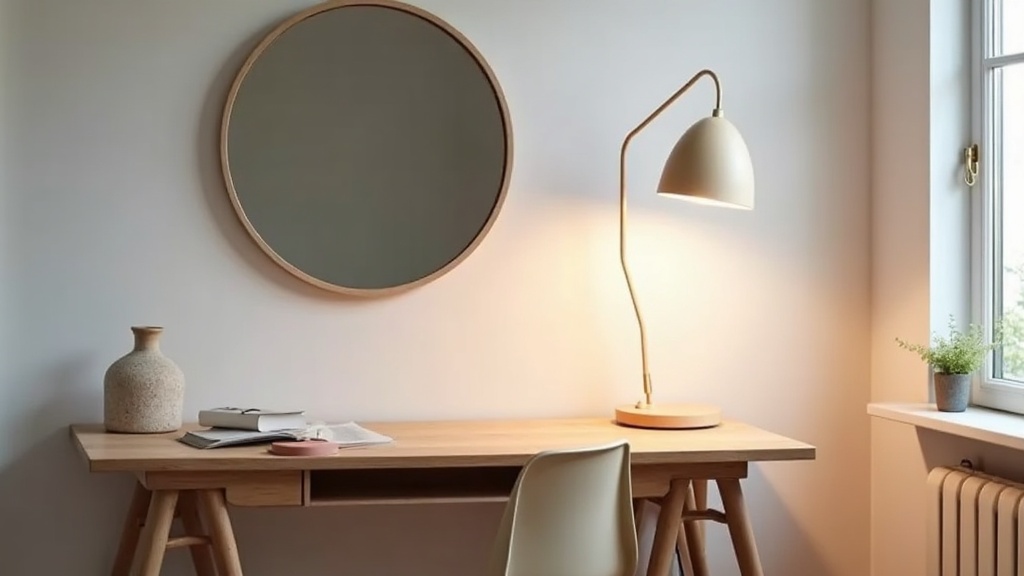
Simple rules to follow when placing task lighting at your desk
Placement determines whether a lamp helps or hinders. These rules apply regardless of the lamp you choose.
- Position the desk lamp on the opposite side to your dominant hand. Right-handed, light comes from the left. This way your hand does not cast a shadow across your work.
- The light source should never be in your field of vision. The shade should sit at or below eye level when you are seated.
- Keep the lamp away from the monitor face. Light shining directly at the screen creates the reflection you are trying to avoid.
- Aim ambient light at a wall or ceiling, not at the desk. Fill the room indirectly. Let the task lamp handle the work surface.
- Dim down in the evening. Matching your light level to the falling natural light outside reduces eye strain and signals wind-down to your body.
Good lighting does not announce itself. It settles into the room and changes how it feels. When it is working well, you stop thinking about it. You just work better, for longer, with less effort. That is the point.


